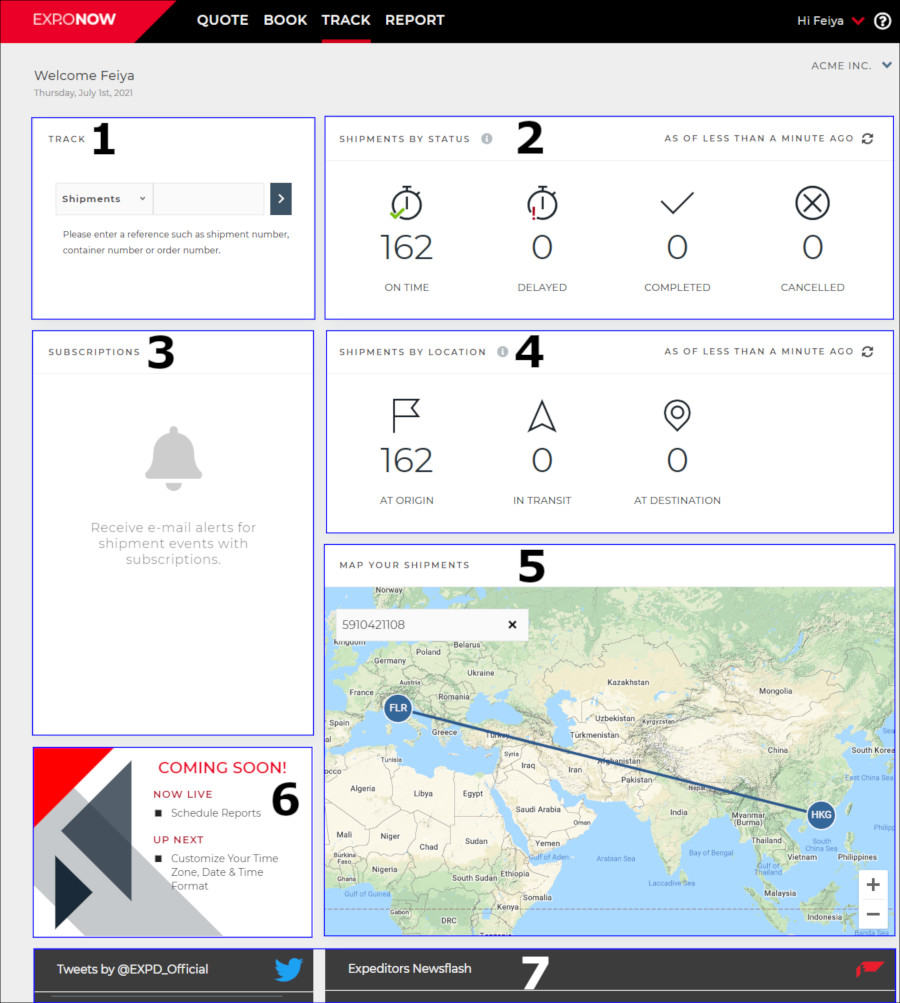
The first page you will see after logging in is your home page. Your home page is designed to be simple and easy to navigate, allowing you to quickly access the information you need.
Your home page includes these sections, please click the links below to jump to more details:
Track + Work Order - will appear if you are a distribution customer
Figure 1: Home Page
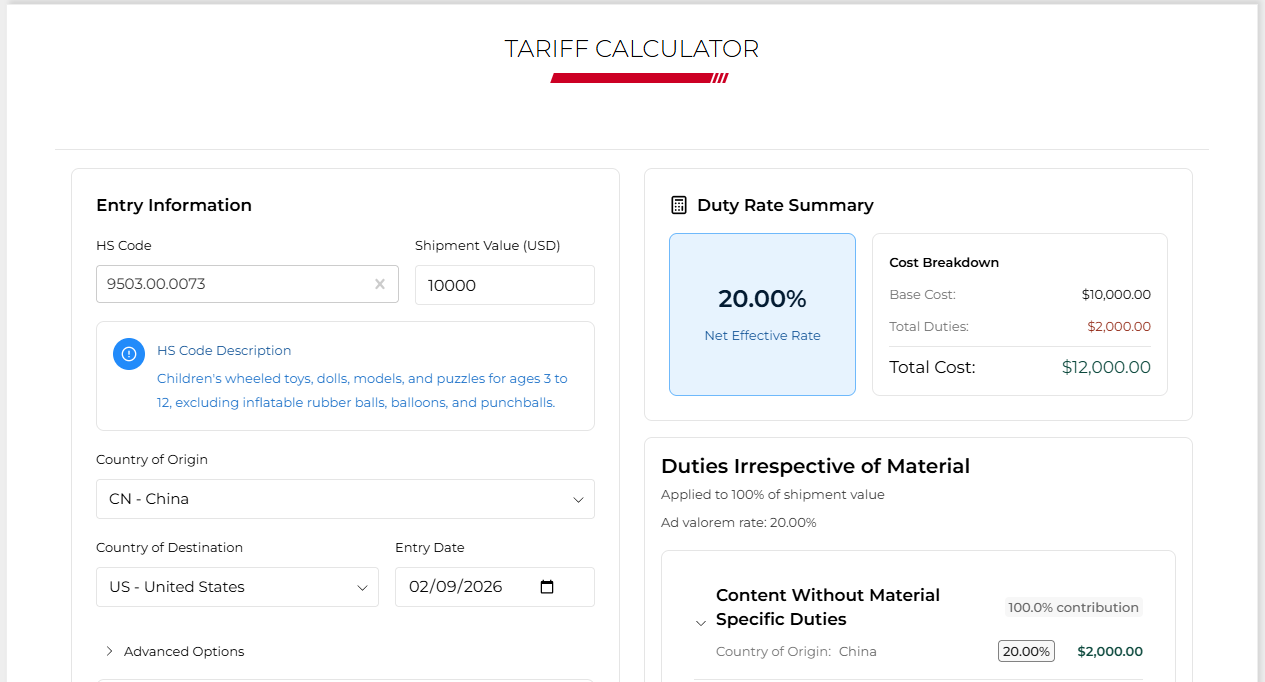 |
Provides fast, reliable estimates of duty, trade‑remedy impacts, and cost differences across sourcing scenarios. |
|
|
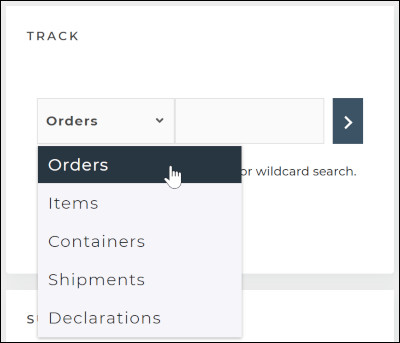
Use a reference number to find information about your: You might see different options depending on your account type. |
|
|
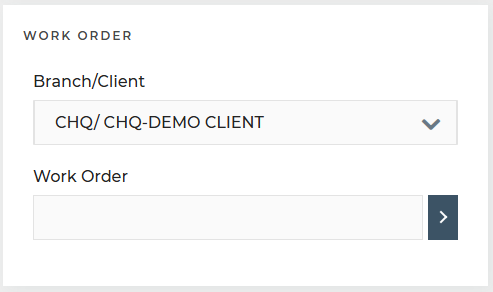
Use a work order number or * to see the status of all work orders for a branch/client.
The details and documents for the work orders will also be shown. NOTE: This section will only appear if you are a distribution customer.
|
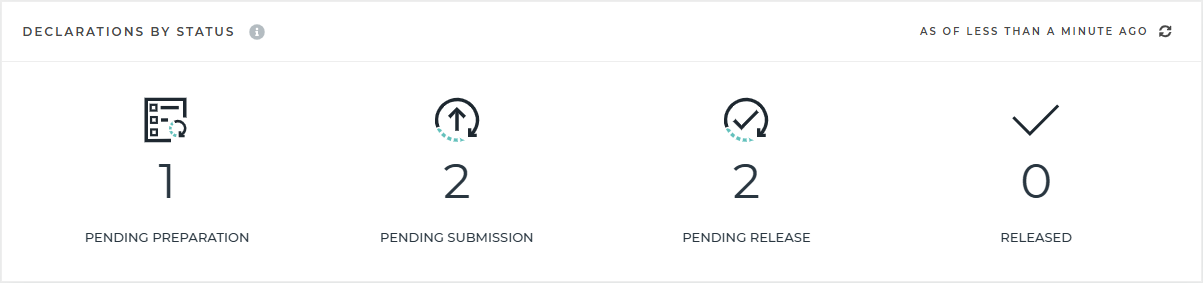 |
See the status of your declarations as they move through the customs process.
Declarations updated in the last 90 days will be shown, except for the Released category, which will show the last 7 days.
|
|
|
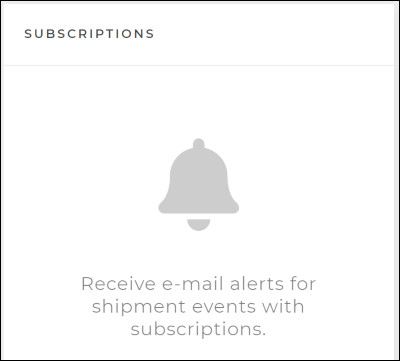
Events that you subscribe to will show up under "Subscriptions" on your Home Page.
Note: Subscriptions in EXP.O NOW will not include events that you subscribed to in the legacy application. Any subscriptions you had will not carry over. |
|
|
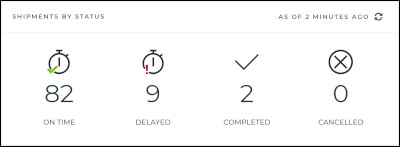
See at a glance all of your shipments based on their status.
Refresh at any time to update this section to see changes in status in near real-time.
|
|
|
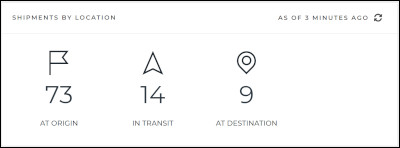
See at a glance all of your shipments based on their location.
Refresh at any time to update this section to see changes in status in near real-time. |
|
|
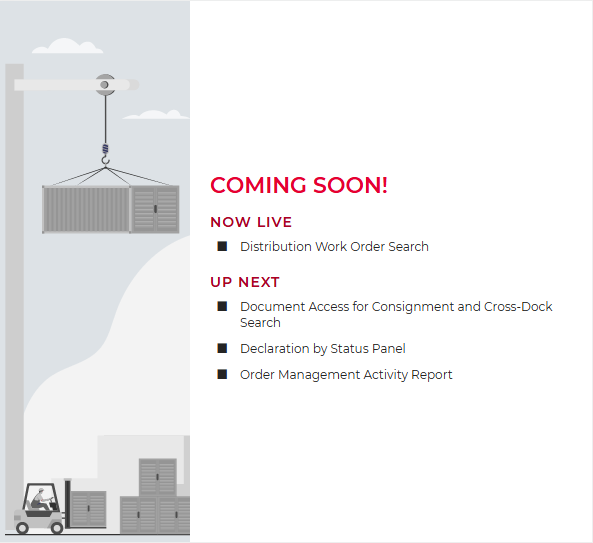
The Now Live section will mention new features and enhancements.
The Up Next section will showcase features or enhancements that will be in the next few releases. |
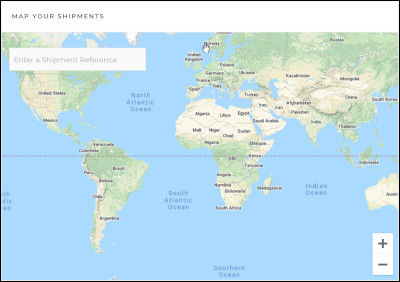 |
Find details about your shipment and follow it on a map by entering a shipment reference number. The map search box can only be used with a shipment reference number. This is different than the Track Shipments feature above.
If you search for anything other than a shipment in the map search box, you will receive a message of Invalid Reference. This means that you didn’t use a valid a shipment reference number. It does not mean that the reference number that you entered is invalid.
Note: During initial release, maps will only show the origin destination, final destination, and last core event.
|
 |
See posts from Expeditors X and Newsflash, which will update you on global trade. |