You can subscribe to alerts for shipments and choose the events that you want to be alerted by.
To subscribe to alerts for a shipment number:
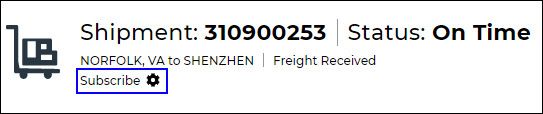
In the shipment details for a shipment, click Subscribe in the Shipment Header.
Figure 1: Subscribe Button
You will be subscribed to alerts for the shipment and the shipment number will appear on your home page in the Subscriptions section.
Click the Settings icon ( ) to view a pop-up of the Subscription Settings, where you can choose which events will send you an alert and who those alerts should go to.
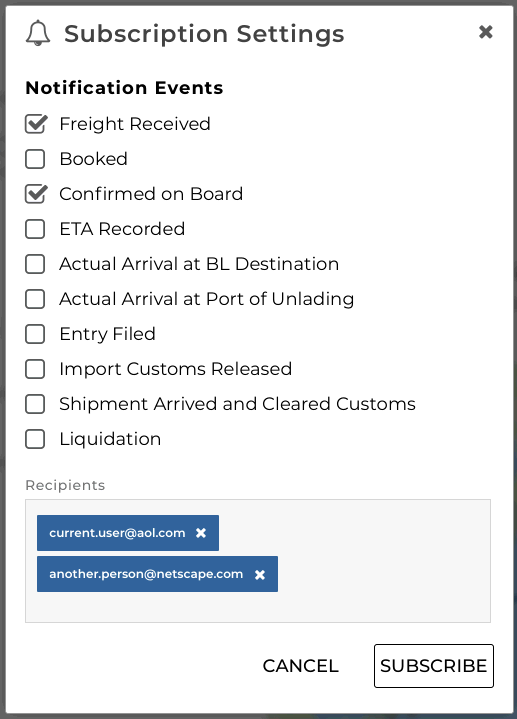
Figure 2: Subscription Settings Pop-up
If you want to unsubscribe from alerts for a shipment, you can click the shipment number from your home page and click Unsubscribe.