
All of the reports that you have saved with specific filters or columns will be saved in the Customized Reports section of Report.
To create a customized report:
Figure 1: Save As
Note: You can edit the column names by clicking the menu icon ( ) and selecting Edit Column Names and then clicking the column name you want to edit. Click the revert icon (
 ) to change back to the default column name. Click to view an exampleClick to view an example.
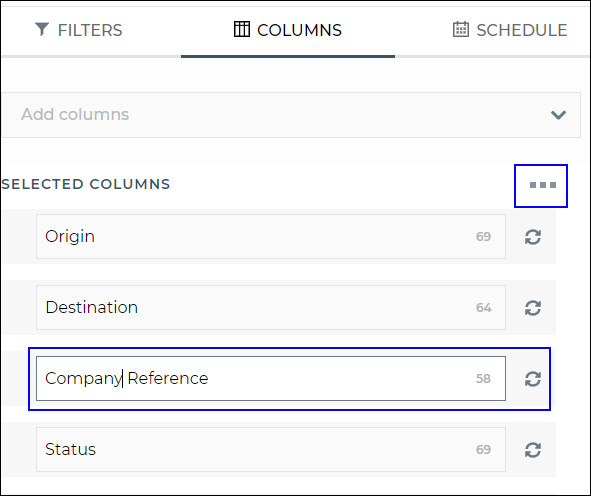
Figure 2: Edit Column Names
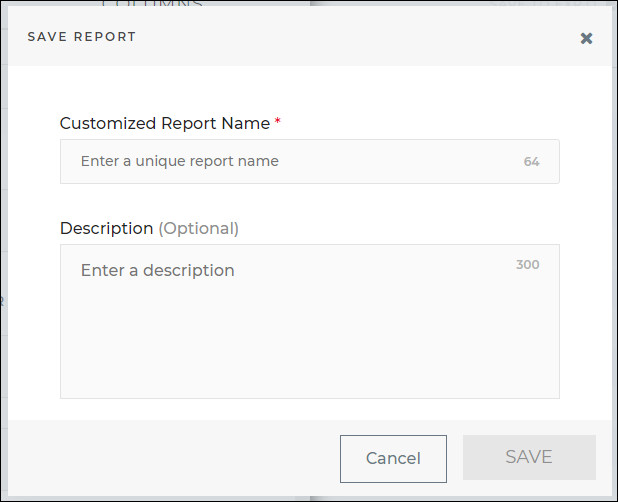
Figure 3: Save Report
Click the Customized Reports section in Reports and use the filter field to find your customized report. When you click Open, the filters and columns you specified will appear and you can run your report.
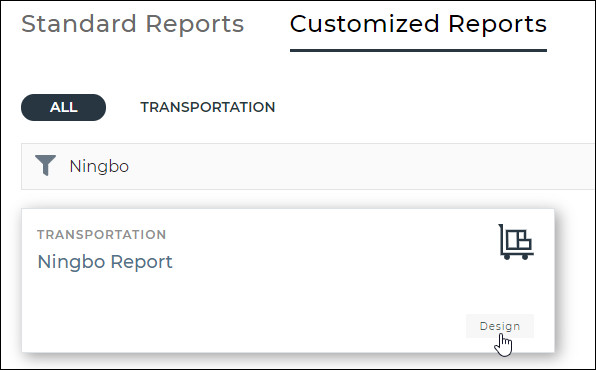
Figure 4: Customized Report - Ningbo Report
To delete a customized report:
Click the customized report you want to delete.
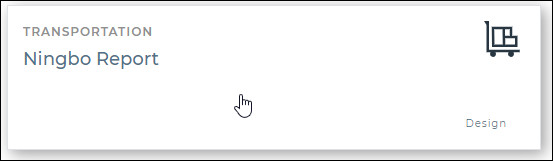
Figure 5: Customized Report
In the fly-out that appears, click the delete icon ( ).
).
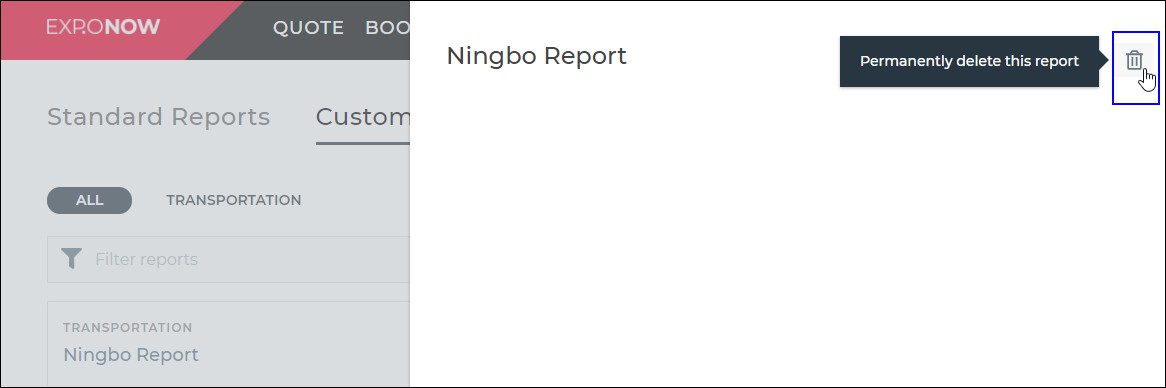
Figure 6: Delete Icon in Fly-out
A confirmation pop-up will appear. To continue deleting the customized report, click Delete Report. Otherwise, click Cancel.
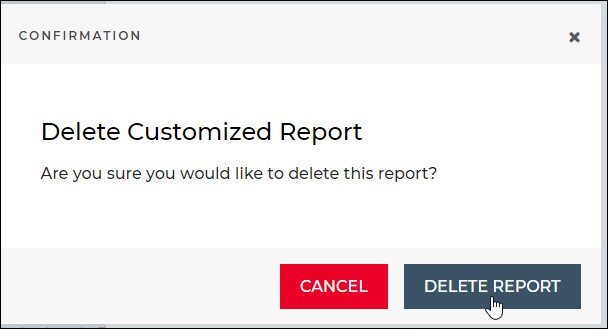
Figure 7: Confirmation Pop-up